 DARKSTAR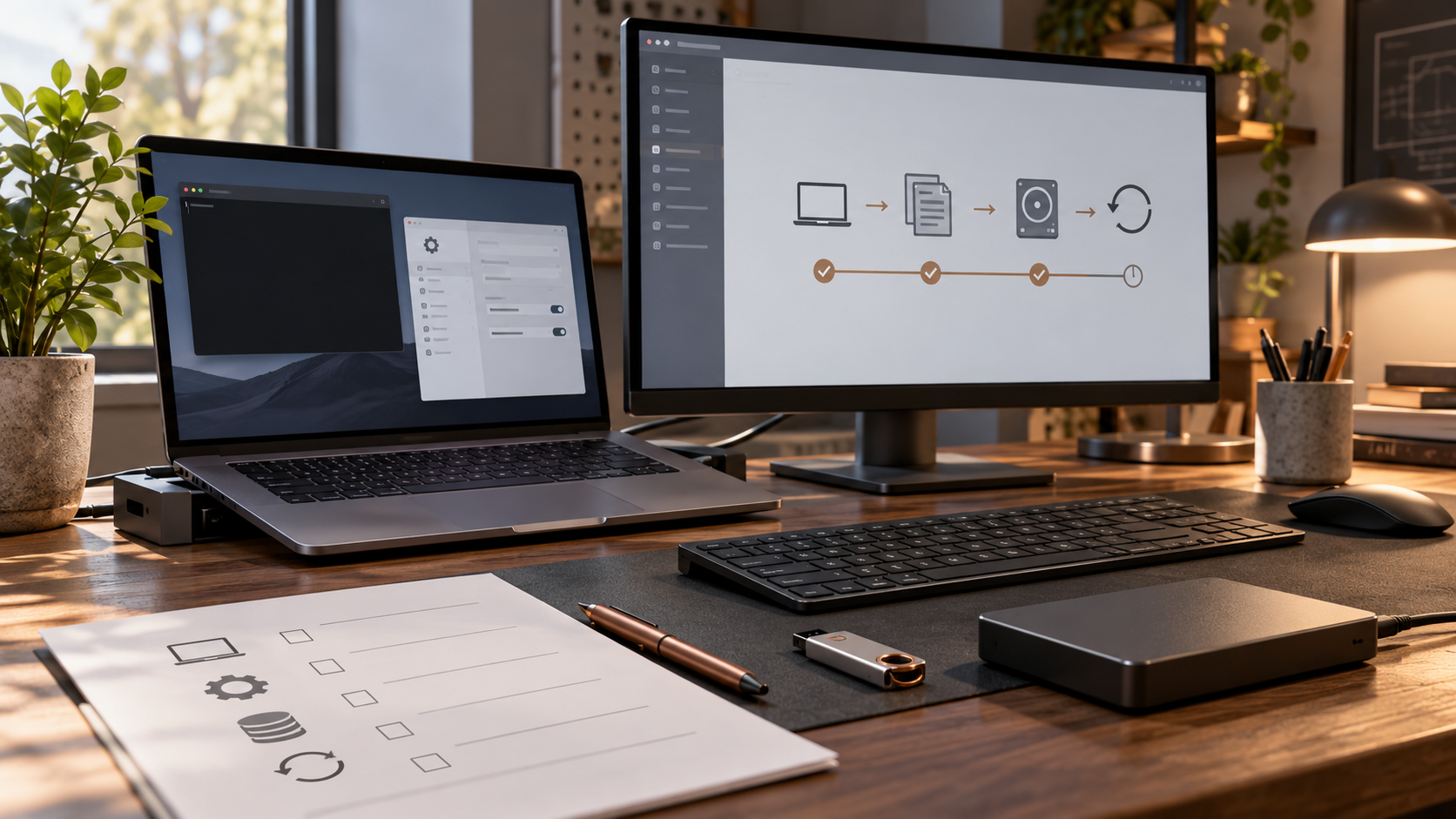
ENGINEERING JOURNAL · AUGUST 2026
Hardening My Own Endpoints Before Pretending to Defend Everyone Else's
Endpoint security became much more real when the devices were mine, the compatibility problems were mine and every “secure” setting still had to survive an ordinary day.
It is easy to describe endpoint hardening as a checklist: install updates, turn on the firewall, add monitoring and move on. Doing it across the devices I actually use was messier. The Windows 11 laptop, the older Windows 10 workstation, my phone and my tablet all had different capabilities, different jobs and different limits.
The goal of this phase was not to make four devices identical. It was to give each one a defensible baseline, test the controls that mattered and document the gaps I could not honestly close.
The laptop needed layers, not one magic setting
The Windows 11 Home laptop became the clearest example of defense in depth. Native Windows protections form the base, but the edition does not provide every enterprise policy control. Instead of ignoring that, I documented the limitation and added practical compensating controls around it.
Remote administration now depends on WireGuard rather than directly published management pages. I use separate VPN behavior for trusted and untrusted networks; the untrusted profile provides full-tunnel routing, controlled DNS and a kill switch. I tested the failure behavior because a kill switch that only looks correct in a configuration file is not enough.
Wazuh gives me a separate view of file-integrity and configuration activity. I generated a controlled event and confirmed that monitoring saw it rather than assuming an installed agent meant useful visibility. Browser settings and credential handling were reviewed as part of the same baseline, not treated as unrelated personal preferences.
I also enrolled a hardware security key for Microsoft and Bitwarden. That taught me a surprisingly basic but important lesson: a passkey label does not prove where the credential is stored. I had to sign in through a private session and physically use the key. I also learned to keep recovery methods in place until redundant factors have been enrolled and tested. The secondary key and broader account inventory remain follow-up work.
The older workstation required a different definition of success
The Windows 10 workstation is a migration source, not the machine I intend to keep indefinitely. It has no TPM, and its operating-system drive remains unencrypted. I could have hidden that behind vague wording, but the more useful decision was to record a time-bounded exception and focus on making the machine current, monitored, clean and recoverable before migration.
That work included updates, native host protections, removal of legacy features and insecure SMB behavior, account and session-lock corrections, Sysmon and Wazuh telemetry, malware remediation and backup validation. Unsafe downloads had to be removed from both the workstation and its staging data. Otherwise, a clean source with a contaminated recovery path would not really be clean.
Controlled Folder Access also gave me a good lesson in restraint. Audit mode showed that a generic interpreter such as PowerShell could create compatibility noise. Broadly allow-listing it would have made the warnings disappear by weakening the control. I left the feature in Audit mode and documented the exception instead.
The endpoint was only approved as a migration source after clean scans, a new encrypted snapshot and an actual restore comparison. Historical snapshots that may contain unsafe files are marked with explicit warnings. “Backed up” and “safe to restore” are not the same claim.
The phone and tablet were security endpoints too
The Galaxy S25 and Galaxy Tab A11 extend the lab beyond Windows. On both devices I validated system and Google Play updates, secure locking, platform protections, permissions and special access, unknown-app installation settings, Play Protect, recovery controls and protected connectivity through WireGuard with filtered DNS.
The phone also went through Samsung Knox status, Auto Blocker, theft and find-device checks, with USB debugging and OEM unlocking confirmed off. The tablet received the controls its platform supports, without copying phone-specific claims onto it.
That distinction matters. NFC security-key enrollment on the phone is deferred, and the tablet's NFC capability is not established in the public record. It would have been easy to make the mobile section sound more complete by smoothing over those details. Accurate boundaries are a better security habit than a cleaner-looking checklist.
What the phase changed for me
The biggest lesson was that hardening is a decision process, not a maximum-settings contest. A control that breaks the work a device exists to do will eventually be bypassed. Audit modes, staged enforcement and recovery tests gave me ways to learn the compatibility cost before making a stronger change.
I also stopped treating visibility as proof. Wazuh and Sysmon are useful because I validated the events and telemetry I expected, not because their names appear in the architecture. The same applies to WireGuard: the configuration mattered, but so did confirming the tunnel, DNS behavior and failure case.
Finally, exceptions need owners and endings. The legacy workstation's missing encryption is acceptable only in the context of a documented migration plan. Deferred security-key work is written down so “later” does not quietly become “never.” Platform limitations are part of the baseline, not footnotes to hide.
The result is not four perfectly secure devices. It is four better-understood devices with validated controls, known gaps and recovery paths. That feels like a much more honest foundation for learning how to defend anything larger.
← Back to the engineering journal